![RaceID-Wordmark.png]](https://support.raceid.com/hs-fs/hubfs/RaceID-Wordmark.png?height=20&name=RaceID-Wordmark.png)
You access your relay team registration in your RaceID Profile that you access by clicking the Icon to the top right corner of your browser and then clicking "My Profile". Navigate to "My races" and find the race you are registered to.
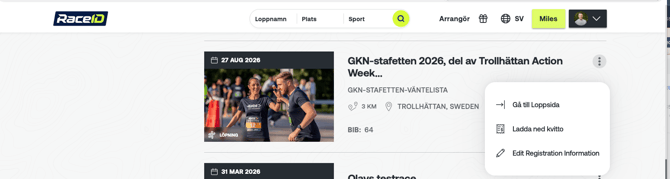
To access the team registration panel you simply click on the three dots next to the race name and click on the menu option: Edit Registration information.
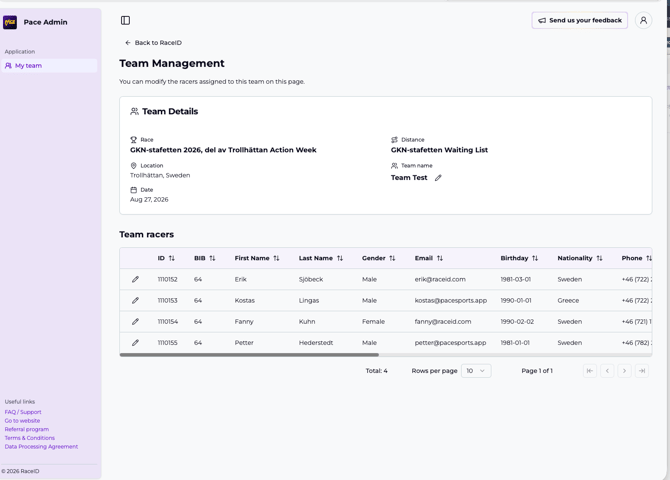
This opens up a new menu where you can edit the name of your team and all team members. Simply click the "pencil" icon next to the field or member you want to edit.