Good to know
- Start list exports show the coupon code on each participant row, so you can see who registered with which code.
- You can export all participants in the race, or one distance at a time.
Download the start list for all distances
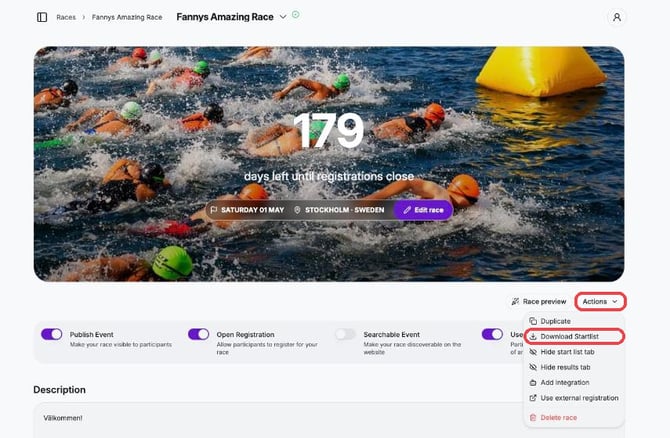
1. Log in to Pace Admin and open your race.
2. Click Actions → Download Startlist.
Download the start list for one distance
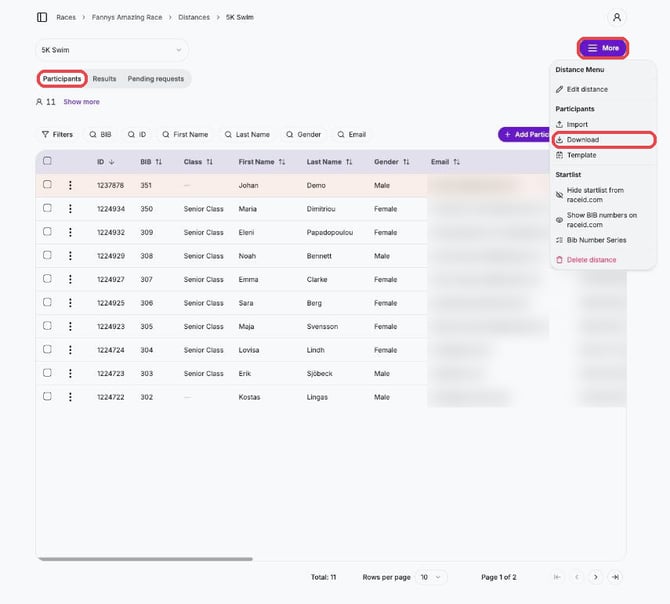
1. Open your race and click the distance.
2. On the Participants tab, click More → Download (under Participants).
Download results
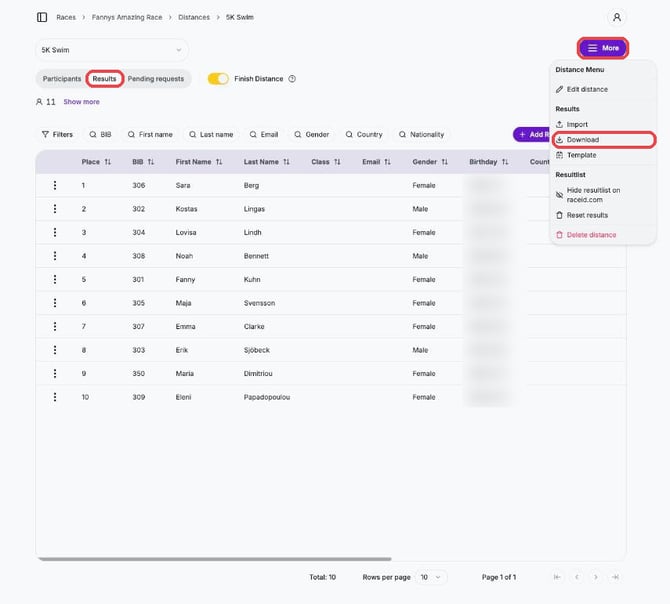
1. Open your race and click the distance.
2. On the Results tab, click More → Download (under Results).