Good to know
- You get one email every time someone registers for a distance in the race.
- Send the alerts to the organizer’s email, to other addresses, or both.
- At least one email address is needed to turn the alerts on.
Turn on email alerts
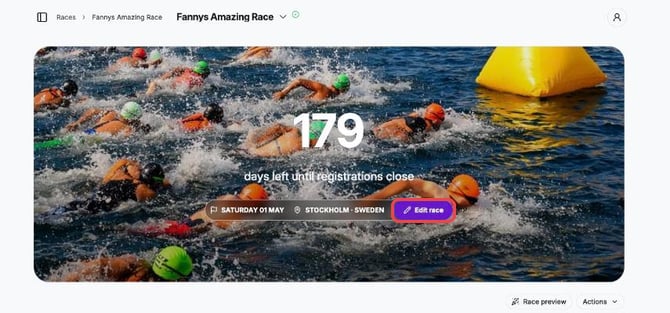
1. Log in to Pace Admin, open your race and click Edit race.
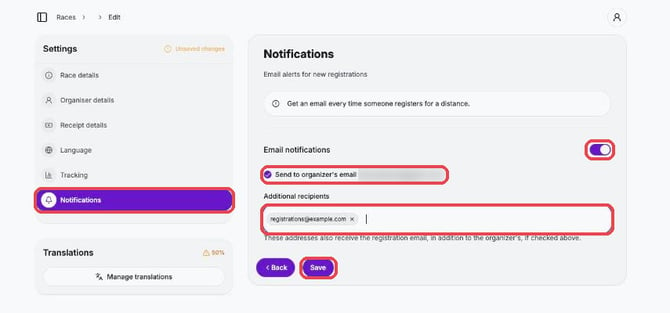
2. Click Notifications and turn on Email notifications.
3. Tick Send to organizer's email and/or add addresses under Additional recipients (type an email and press Enter).
4. Click Save.
Tips
- To stop the alerts, turn off Email notifications and click Save.